
Available on the App Store
SpellTHelpWord-game helper for your screenshots
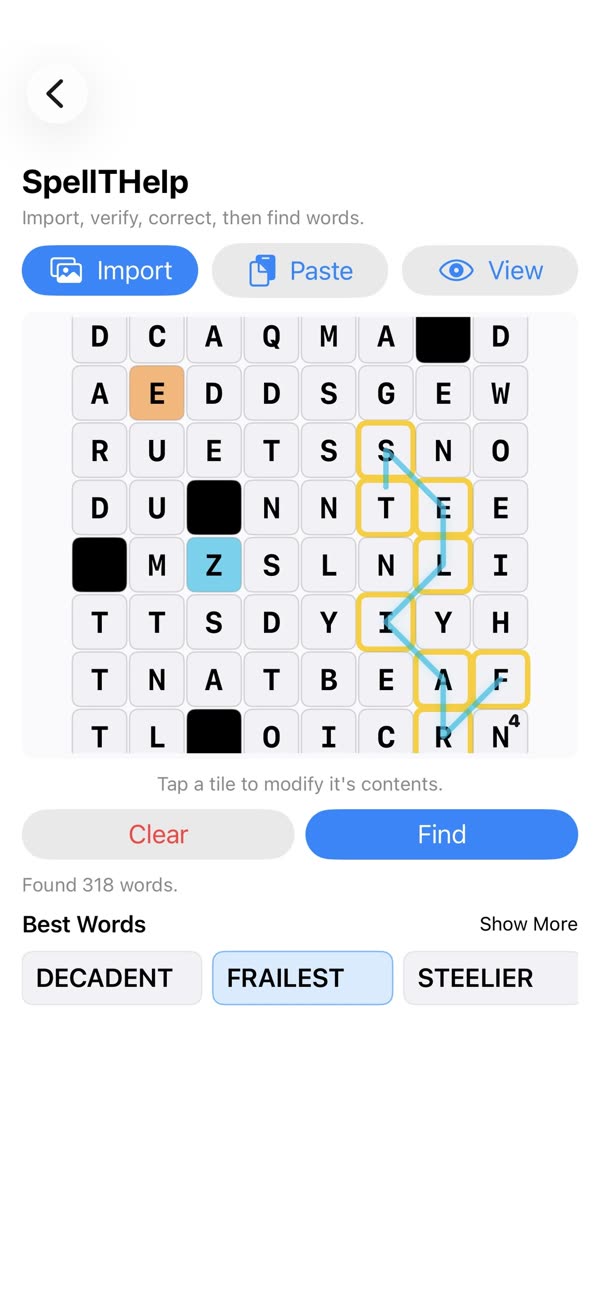
SpellTHelp reads a screenshot of your word-game board, evaluates the available letters and shows a ranked list of possible plays, all processed on your device.

Free · $2.99 Pro · iPhone
Published by GadgetHeads LLC
On a computer?
Scan to download SpellTHelp.
Point your iPhone camera at this code to open SpellTHelp on the App Store.
Who it’s for
Who SpellTHelp is for.
Word-game fans who want to see what they missed, check a board, or learn better words.
Why you’ll like it
Start from a screenshot
Import your board and let SpellTHelp recognize the letters and layout.
Find the plays you missed
See strong words available from your board, then fix any tile by tapping it.
Private and on-device
Screenshots are processed on your device.
See it in action
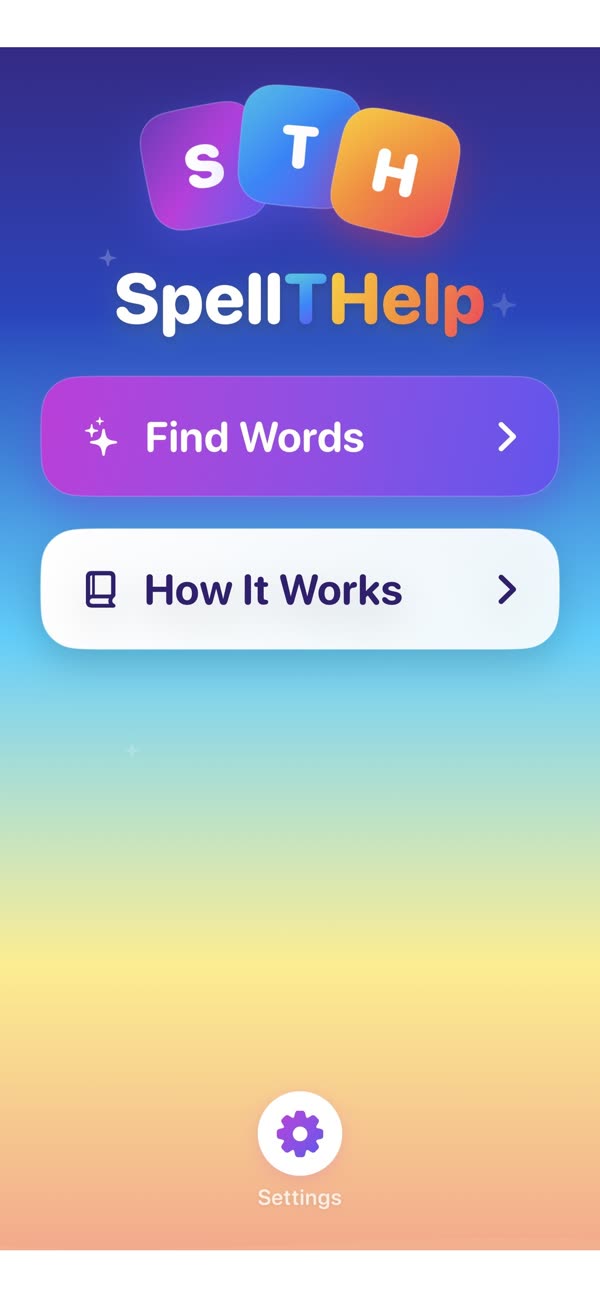
SpellTHelp screenshots.
Start from a screenshot
Best words, instantly
What it does
Key features of SpellTHelp.
- 01Import a screenshot of a word-game board
- 02Recognize letters and board layout
- 03Find strong words from the available board
- 04Process screenshots on your device
- 05Unlock Pro with a one-time purchase
Get SpellTHelp
Find the plays you missed.
Need a hand?
Contact support.
Include the app name, your device, and a brief description of what happened. Screenshots are helpful when relevant.
support@gadgetheads.biz ↗App information
- Status
- Available on the App Store
- Storage
- On-device
- Purchase model
- One-time Pro unlock
- Publisher
- GadgetHeads LLC